
In today’s distraction-filled world, where remote work, open offices, and endless digital notifications compete for our attention, a thoughtfully organized workspace is a game-changer. Research consistently shows that clutter reduces focus and increases stress, while an intentional setup enhances cognitive performance, creativity, and overall output. A landmark study from Princeton University found that physical clutter overloads the brain, limiting its ability to process information effectively. On the flip side, organized environments can boost productivity by up to 20-30% in some cases.
Real-world examples underscore this impact. For instance, a productivity coach reported a client who saw a 30% increase in daily output after a weekend decluttering session in their home office. Similarly, in a survey of 2,000 U.S. office workers, 84% felt more productive in organized spaces and believed better organization could elevate their efficiency by 38%. Companies like Google have long invested in intentional designs—featuring collaborative zones and playful elements—that foster “casual collisions,” leading to heightened innovation and employee satisfaction.
This guide expands on proven strategies with real-world case studies, from individual transformations to corporate overhauls. Whether you’re in a home office, corporate setting, or hybrid setup, these steps—backed by psychology, ergonomics, and practical examples—will help you create a space that drives peak performance.

Step 1: Start with a Complete Reset and Declutter
Begin with a zero-based reset: Clear everything out and only reintroduce essentials. This purge reduces visual noise and decision fatigue.
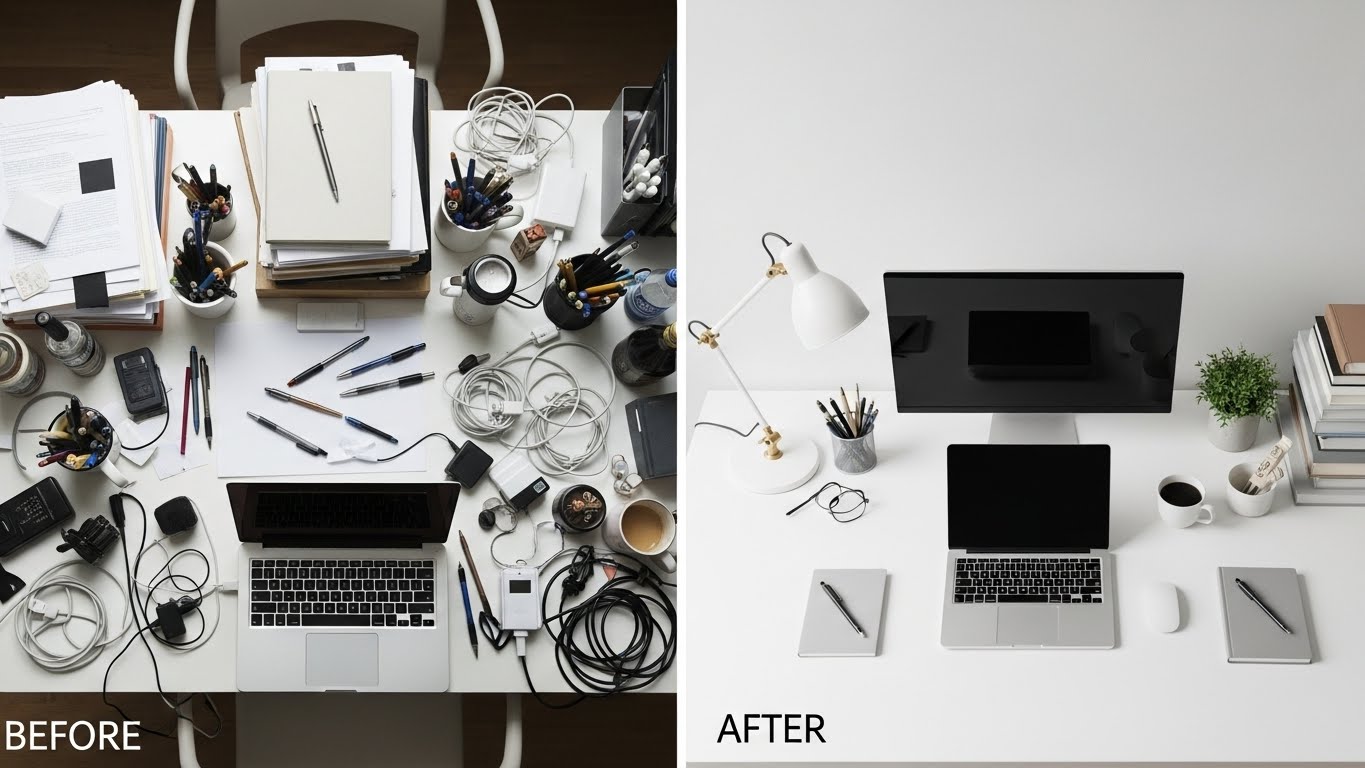
Real-world case study: A remote worker inspired by Marie Kondo’s method decluttered their chaotic desk, previously buried in papers and gadgets. Post-tidying, they reported feeling “more in control,” with improved focus and reduced stress—echoing Kondo’s philosophy that tidying sparks joy and clarity. In a manufacturing setting, implementing the 5S methodology (Sort, Set in order, Shine, Standardize, Sustain) in a small-scale industry led to significant housekeeping improvements, safer conditions, and higher productivity through eliminated waste.
Another example comes from a Harvard study where participants in clutter-free spaces sustained focused work 7.5 minutes longer than those in messy environments. Apply this by categorizing items: Keep only what supports current goals. Donate or recycle the rest. Seasonal resets prevent reversion.
Decluttering a workspace often mirrors the mental clarity that comes from simplifying other areas of life. The same principle applies to your living environment, as explained in 7 Minimalist Bedroom Ideas for Restful Sleep, where intentional design reduces stress and improves recovery.
Pro tip: Schedule reset seasonally—every three to four months—to prevent gradual clutter creep. After the reset, you’ll have a blank canvas ready for intentional design.
Step 2: Define Clear Zones
One of the hallmarks of highly productive workspaces is functional zoning. Just as urban planners divide cities into residential, commercial, and recreational areas, you should segment your workspace based on tasks.
Typical zones include:
- Primary Work Zone: The main desk area reserved exclusively for your computer or core tools. Keep this zone sacred—nothing unrelated should live here permanently.
- Reference Zone: A nearby shelf or drawer for frequently accessed files, notebooks, or resource materials.
- Supply Zone: A designated spot for office supplies (pens, notepads, chargers) to avoid rummaging.
- Personal Zone: A small area for non-work essentials like a water bottle, snacks, or a plant—kept minimal to avoid distraction.
- Archive Zone: Off-desk storage for infrequently used items, ideally in closed cabinets or another room.
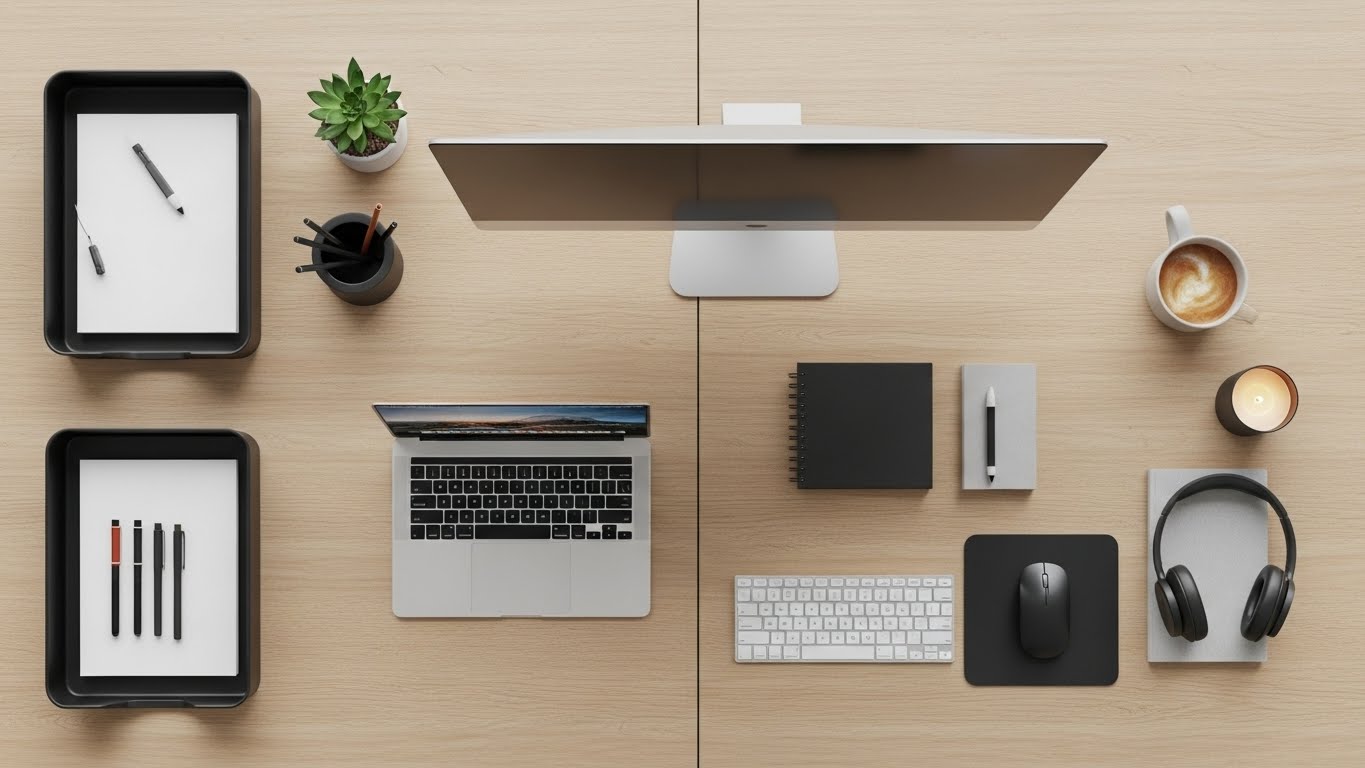
By assigning zones, you create visual boundaries that guide behavior. Your brain learns that the primary zone means “deep work,” while reaching for supplies becomes automatic and frictionless. Productivity experts like David Allen, author of Getting Things Done, emphasize that clear zones reduce context-switching costs—the mental energy lost when transitioning between tasks.
Step 3: Optimize Your Desk Layout
With zones defined, focus on the heart of your workspace: the desk surface. The goal is to keep it 80% clear at all times, preserving open space for thinking and temporary projects.
Real-world impact: In a biophilic-designed UK building (The Enterprise Centre), workers reported sustained high satisfaction with indoor quality, leading to better health, well-being, and productivity over two years. A Pakistani banking case study showed ergonomic designs directly correlated with higher employee motivation and output.
Personal story: An overwhelmed professional reorganized their desk per KonMari principles, positioning joyful items strategically—this not only reduced physical strain but enhanced daily morale and efficiency.
Adopt the “triangle principle” for essential items:
- Place your monitor or laptop directly in front, at eye level (top of screen aligned with your eyes to prevent neck strain).
- Position your keyboard and mouse within easy reach, forming the base of the triangle.
- Keep frequently used tools—like a notebook, phone dock, or primary pen—within arm’s length but off the main work area.
Everything else should be stored away. Use vertical space wisely: a monitor stand with built-in storage, wall-mounted shelves, or a small desktop organizer for cables and peripherals.
Cable management is non-negotiable. Loose cords create visual chaos and physical hazards. Use cable clips, sleeves, or under-desk trays to route and conceal wires. A tidy underside contributes to the overall calm of the space.
Finally, position your desk to leverage natural light if possible—ideally facing perpendicular to a window to minimize glare while benefiting from daylight’s mood- and focus-enhancing effects.
Step 4: Implement Smart Storage Solutions
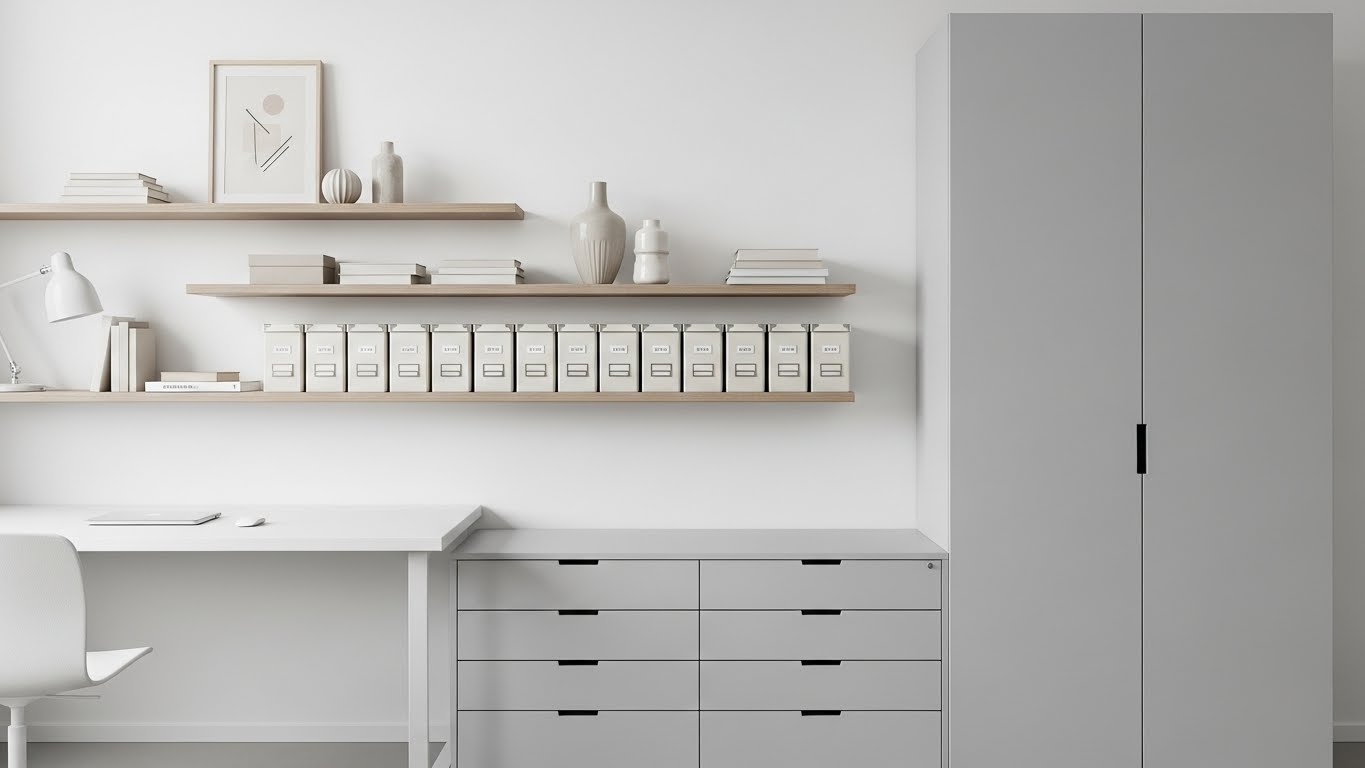
Effective storage prevents clutter from returning. The key is accessibility matched to frequency of use.
Follow the “frequency rule”:
- Daily-use items: Open storage or top drawers.
- Weekly-use items: Lower drawers or nearby shelves.
- Monthly or rarer: Closed cabinets or off-site archiving.
Invest in modular storage that grows with you. Examples include:
- Drawer organizers with adjustable compartments for supplies.
- Stackable trays for incoming/outgoing paperwork.
- Label makers for clear identification—labels reduce search time dramatically.
For paper-heavy roles, adopt a hybrid system: scan important documents and store digitally, keeping only active files physically. Use a simple filing system like alphabetical or project-based folders in a single, slim file holder.
Digital storage mirrors physical. Organize your computer desktop with dated folders (e.g., “2026_Q1 Projects”) and use cloud services with consistent naming conventions. A cluttered digital desktop triggers the same stress response as a physical one.
Case study: A valve manufacturing company applied 5S, reducing tool search time and chaos, directly improving efficiency. In digital realms, workers adopting inbox-zero and folder systems (inspired by productivity tools) reported less cognitive overload, akin to physical decluttering benefits seen in Kondo-inspired office tidies.
A publishing company dedicated a day to team-wide tidying, yielding lasting focus gains.
Step 5: Master Digital Organization
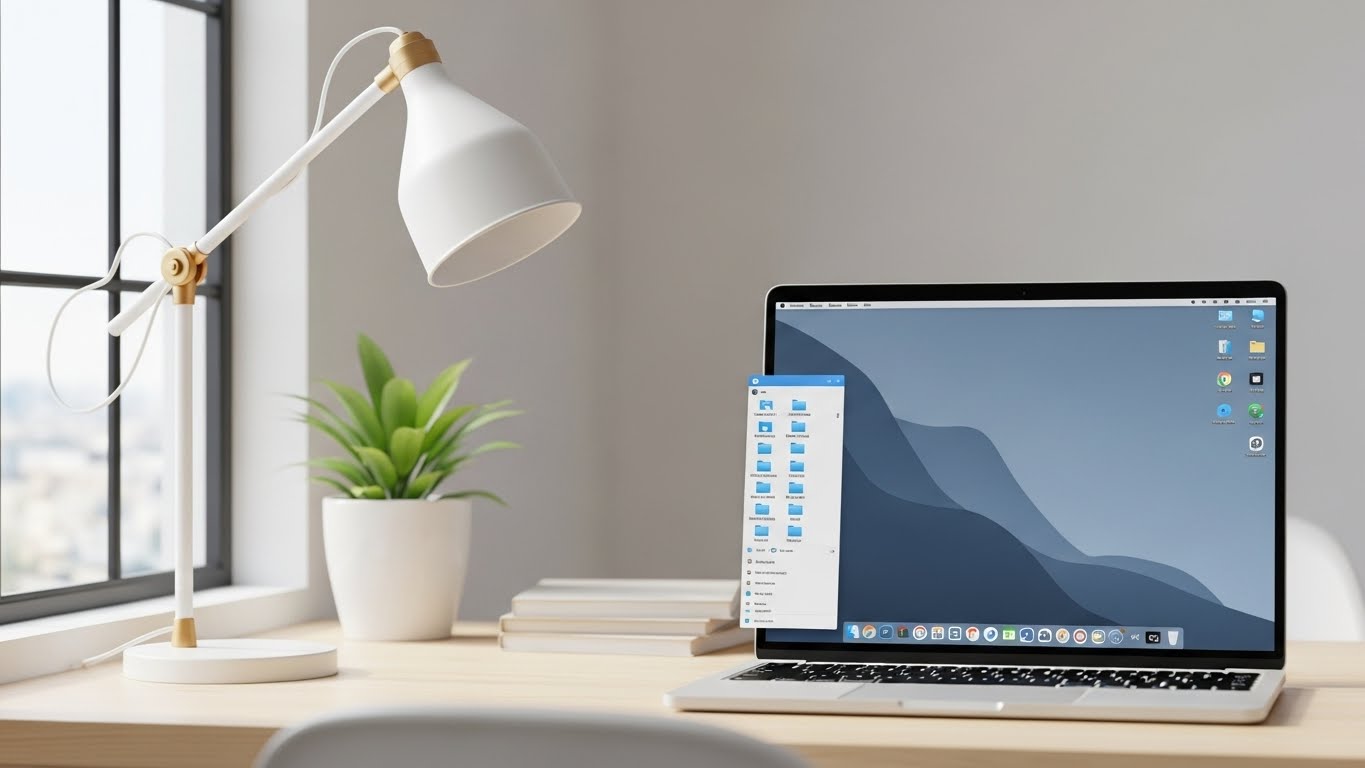
Physical order means little if your digital workspace is chaotic. Screen clutter—hundreds of desktop icons, overflowing downloads folders, endless browser tabs—drains cognitive resources.
Start with your desktop: Keep it nearly empty. Use it only for active projects (e.g., one folder per current major task). Archive completed work monthly.
Implement a logical folder structure:
- Main categories: Work, Personal, Archive.
- Subfolders by year, client, or project type.
Use consistent naming: “YYYY-MM-DD_ProjectName_Description”.
Email management is crucial. Aim for inbox zero daily using the “4Ds” method: Do it (if <2 minutes), Delegate, Defer (to a task list), or Delete. Create filters and folders for automatic sorting.
Browser efficiency matters too. Bookmark important sites in organized folders, use tab groups, and employ extensions like OneTab to collapse unused tabs.
Finally, schedule weekly digital decluttering sessions—delete old files, empty trash, and unsubscribe from newsletters.
Corporate examples: Ctrip’s work-from-home trial (organized home setups) yielded 13% higher performance. Open-plan designs supporting informal meetings increased productivity in multiple studies.
Personal transformations abound: One individual post-KonMari office tidy felt “uplifted,” with enhanced perception and focus.
Step 6: Ergonomics and Physical Comfort
An organized workspace must also support your body. Poor ergonomics lead to fatigue, pain, and reduced productivity.
Key principles:
- Chair: Adjustable height so feet are flat, knees at 90 degrees, with good lumbar support.
- Monitor: Arm’s length away, top at eye level (use a stand or books if needed).
- Keyboard: Elbows at 90 degrees, wrists neutral.
- Movement: Incorporate standing options—a convertible desk or periodic standing breaks.
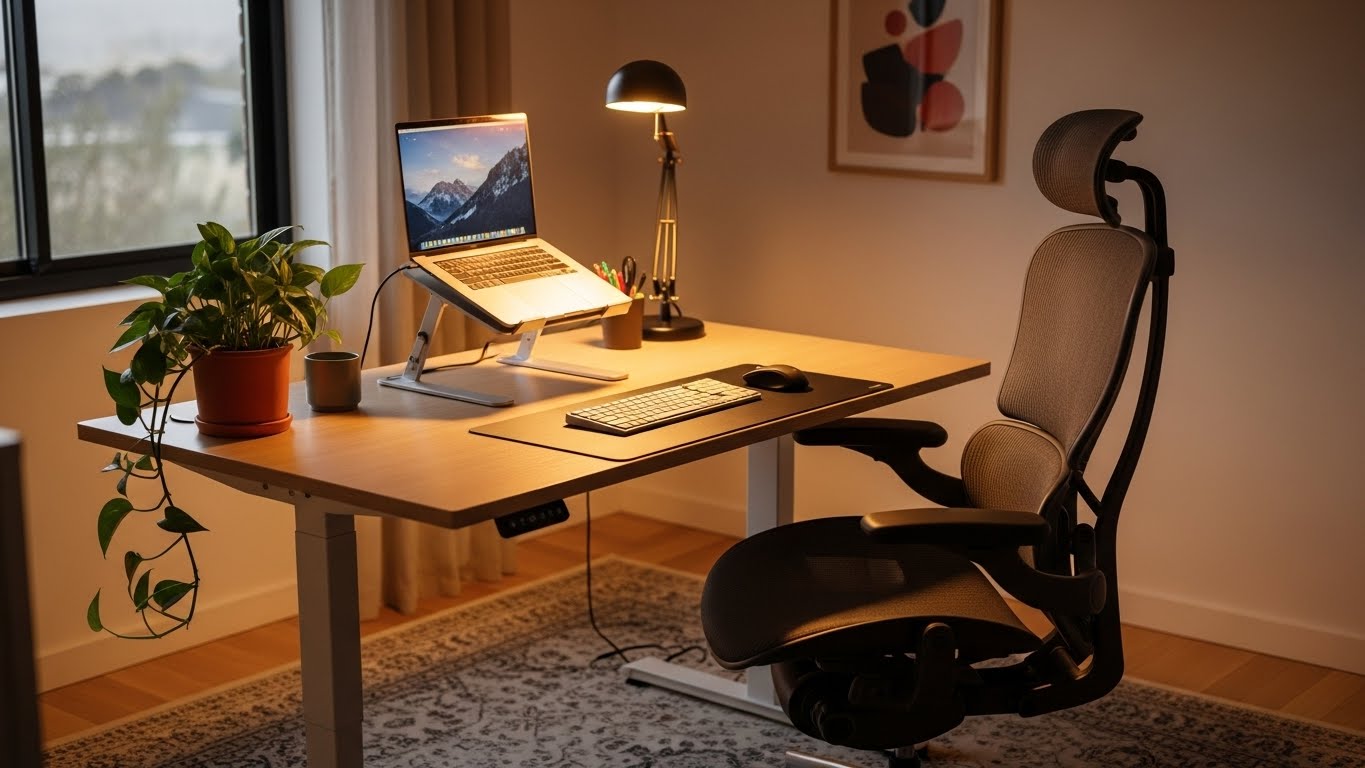
Add subtle comfort enhancers: a footrest, anti-fatigue mat for standing, or wrist support. Plants not only beautify but improve air quality and reduce stress, according to NASA research.
Temperature and noise control matter too. Aim for 68-72°F (20-22°C) and use noise-cancelling headphones or white noise if needed.
Step 7: Establish Daily and Weekly Rituals
Organization is not a one-time event but a habit sustained through rituals.
End-of-day shutdown routine (10-15 minutes):
- Clear desk of temporary items.
- Process papers and notes.
- Review tomorrow’s schedule.
- Wipe surfaces.
- Back up critical work.
This ritual creates psychological closure, reducing nighttime work rumination and improving sleep—a critical productivity factor.
Weekly maintenance (30-60 minutes):
- File or archive completed work.
- Restock supplies.
- Deep-clean keyboard/mouse.
- Review digital folders.
- Adjust layout based on evolving needs.
These rituals prevent entropy and keep your system running smoothly. Daily shutdown rituals work best when supported by healthy movement habits. If you spend long hours at your desk, How to Stay Active Without a Gym offers practical ways to stay energized even with a sedentary work routine.
Step 8: Personalize Without Overdoing It
A sterile workspace can feel uninspiring. Strategic personalization boosts motivation, but excess becomes clutter.
Guidelines:
- Limit to 3-5 meaningful items: a family photo, inspirational quote, small plant, or artwork.
- Choose items that energize rather than distract.
- Rotate seasonally to maintain freshness.
Avoid knick-knacks, excessive photos, or novelty items that pull attention.
Step 9: Adapt for Your Work Style and Environment
Not all workspaces are equal. Tailor these principles to your reality.
Home office: Establish clear boundaries—close the door or use a screen to separate work from living space. Use room dividers if in an open area.
Corporate/open-plan office: Maximize your personal zone with portable organizers. Use headphones to create auditory boundaries.
Remote/nomadic workers: Invest in a portable “productivity kit”—laptop stand, noise-cancelling headphones, compact organizer—that transforms any surface.
Creative professions: Allow controlled “creative chaos” zones for inspiration materials, but contain them to specific trays or boards.
Shared spaces: Use labeled personal storage and clear boundaries to maintain order.
Step 10: Measure and Iterate
Finally, treat workspace organization as an evolving practice. Track how changes affect your output—perhaps using a simple journal noting focus levels or tasks completed.
Every few months, assess:
- What’s working?
- Where is friction occurring?
- Have work demands shifted?
Make small adjustments. Productivity is personal; your optimal setup may differ from others’.
Conclusion: Reclaim Your Focus
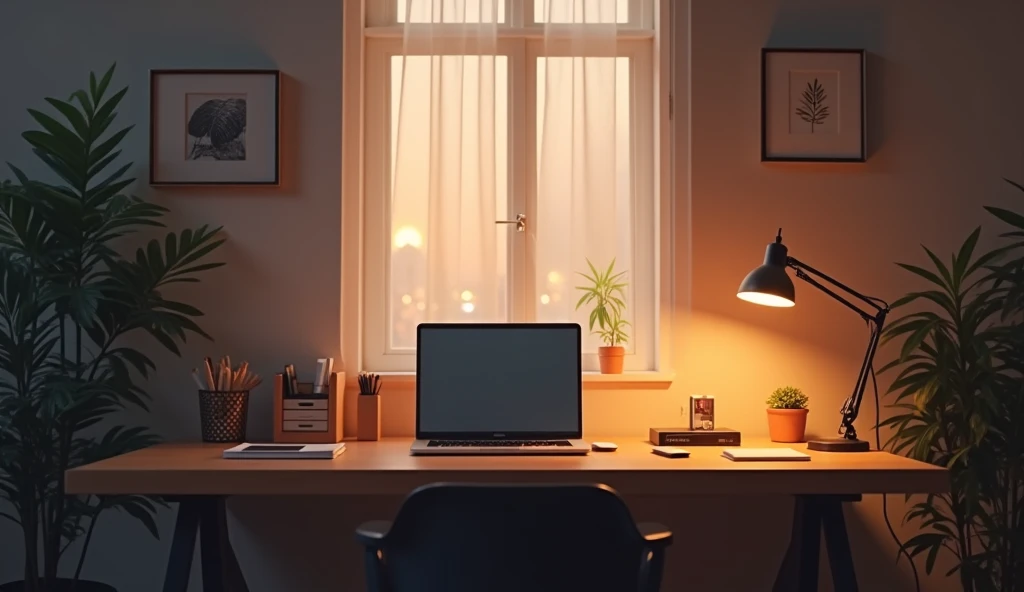
An organized workspace is more than tidy aesthetics—it’s a deliberate environment engineered for peak performance. By decluttering, zoning, optimizing storage, mastering digital hygiene, prioritizing ergonomics, and building rituals, you create a space that works for you rather than against you.
A well-designed workspace supports focus, but long-term performance comes from aligning your environment with your lifestyle. Building systems that support both work and well-being is explored in depth in Healthy Lifestyle Habits That Actually Stick, where productivity meets sustainability.
The investment is modest compared to the returns: sharper focus, faster task completion, lower stress, and greater professional satisfaction. Start small—perhaps with a 15-minute desk clear today—and build momentum. Over time, these habits compound into transformative productivity gains.
Your workspace reflects and shapes your mindset. Organize it intentionally, and watch your output—and well-being—soar.